SpriteLoop – Free 2D Animation Tool
SpriteLoop is a free 2D animation tool for Windows, Mac and Linux for creating animations from a collection of images, a style known as cut out animations. In many ways it’s a free but limited version of popular…
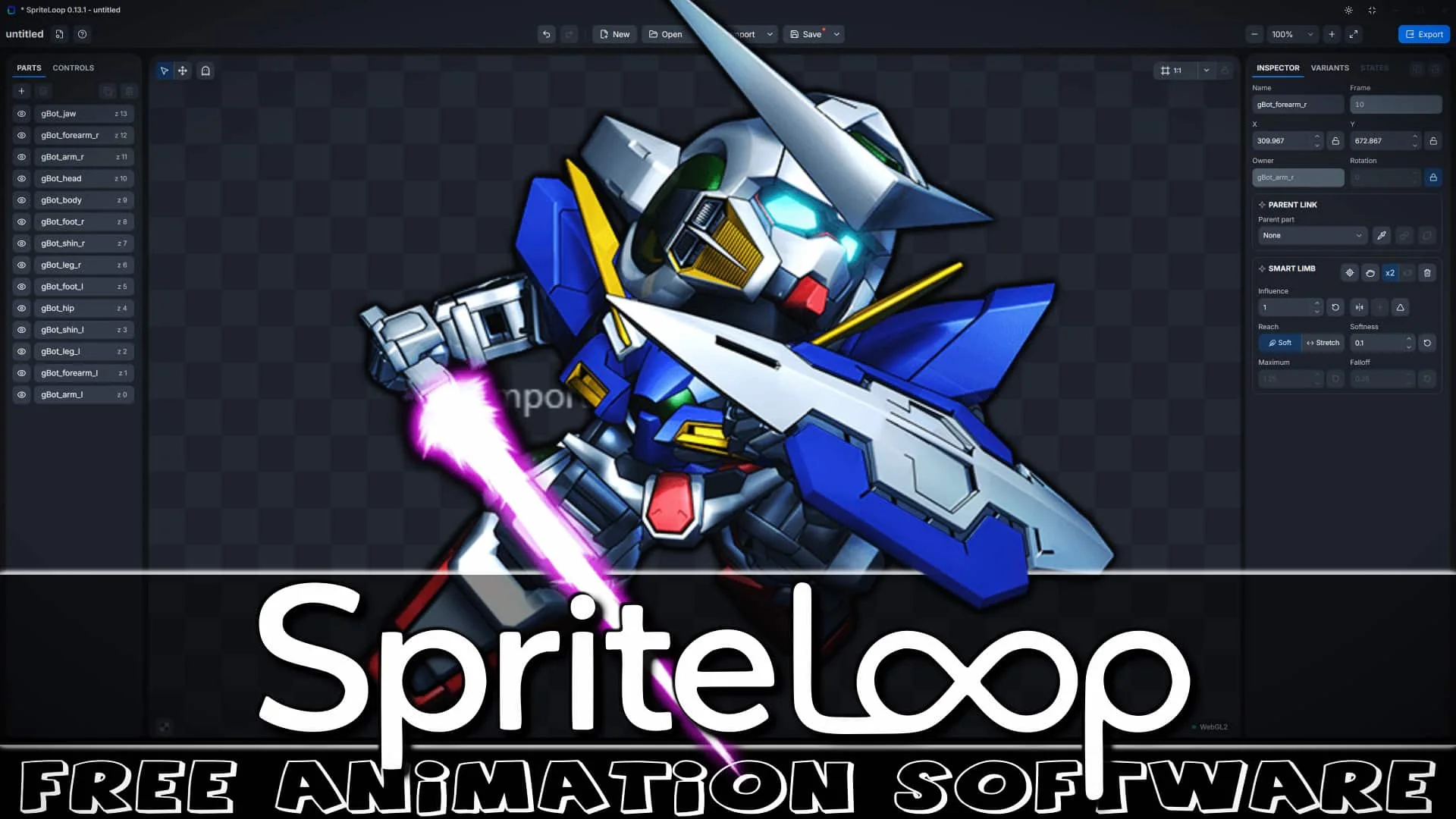
SpriteLoop is a free 2D animation tool for Windows, Mac and Linux for creating animations from a collection of images, a style known as cut out animations. In many ways it’s a free but limited version of popular animation tools like Spriter and Spine.
Features of SpriteLoop include:
- Import PNG parts and animate them with position, rotation, scale, skew, opacity, pivots, and parent-child links.
- Import SpriteLoop data packages exported from external tools with preserved part order, positioning, visibility, and opacity.
- Build cut-out animation rigs using hierarchical transforms.
- Inherit position, rotation, scale, and skew through the transform hierarchy.
- Create multiple animation clips with custom FPS, frame count, and looping settings.
- Automatic loop interpolation for seamless repeating animations.
- Add, move, copy, paste, duplicate, and edit timeline keyframes.
- Choose interpolation per keyframe: Linear, Stepped, Ease In, Ease Out, or Ease In-Out.
- Preview animations with playback controls, zoom, pan, and onion skinning.
- Use skew animation to create simple perspective and isometric-style effects.
- Create character skins and reusable visual variations without duplicating animations.
- Add part variants to swap hairstyles, clothing, equipment, colors, and other character elements.
- Store part visibility per skin.
- Resize the canvas, set background colors, and use guide frames for export framing.
- Save self-contained .spriteloop project files with embedded PNG assets.
- Export spritesheets, PNG image sequences, GIFs, or animated WebP files.
- Optimized atlas generation with automatic reuse of identical images.
- Includes a Defold runtime extension for playing SpriteLoop animations directly in Defold projects.
- Runtime support for skin switching and part variant swapping in Defold.
- Select a default skin directly from the Defold editor.
Key Links

SpriteLoop Homepage
SpriteLoop Defold
Krita Exporter
Photoshop Exporter
You can learn more about SpriteLoop as well as a quick tutorial showing the 2D animation tool in action in the video below.